
DOS AI
Your dispatcher, in your cab.
Talk to DOS AI hands-free, book matched loads, let it negotiate with brokers, send invoices, and track every truck. Pick your device and follow the steps.
About DOS AI
An AI dispatcher that works while you drive.
DOS AI is the SyncroLogix app for drivers and fleets. It finds and books loads, negotiates with brokers, sends your invoices, and keeps every truck and load in one place. It runs on Android and Windows.
Talk to your AI dispatcher
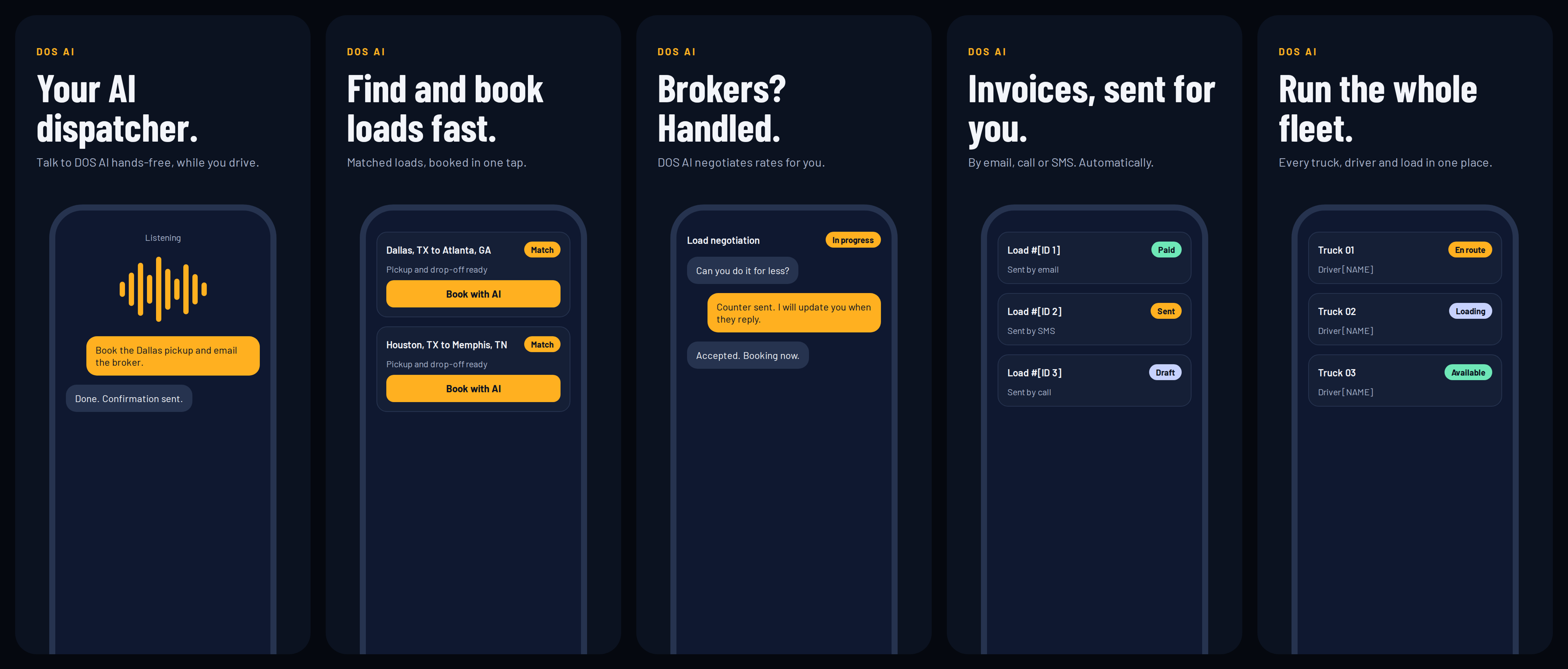
Speak hands-free while you drive. Say “Book the Dallas pickup and email the broker” and DOS AI does it.
Find and book loads fast
See matched loads for your lane and book with one tap.
Brokers, handled
DOS AI negotiates rates for you and updates you when the broker replies.
Invoices, sent for you
Sent automatically by email, call or SMS, with each load’s status in view.
Run the whole fleet
Every truck, driver and load in one place, from available to en route.
DOS AI installs straight from this page, not the Play Store. Android will ask you to approve it twice. Both prompts are normal.
- 1
Download the file
Tap Download for Android. Use Chrome on your phone.
- 2
Keep the file when Chrome warns youExpected prompt
Chrome says this type of file can harm your device. Tap Download anyway, or Keep. The warning shows for every app installed outside the Play Store.
- 3
Allow installs from ChromeExpected prompt
Open the downloaded file. If Android says your phone isn't allowed to install unknown apps from this source, tap Settings and turn on Allow from this source. Then go back.
- 4
Install and sign in
Tap Install, then Open. Sign in with the account your dispatcher set up for you. You can turn the unknown-apps setting back off afterward.
Only install the file from syncrologix.org. Never from a link someone sends you.
Stuck on an install step? Call or message us and a coordinator will walk you through it.
Contact support